Ecodia
Studio
The workshop behind every site we build, where the owner walks into the back room and changes their own words, with no developer in the loop.
The challenge
A custom site is only alive if its owner can change it. The usual answer hands the client a content system they did not ask for and cannot love, WordPress and a plugin graveyard, or a headless CMS that needs a developer every time a headline changes. The site we build should not go stale the week we hand it over.
What we built
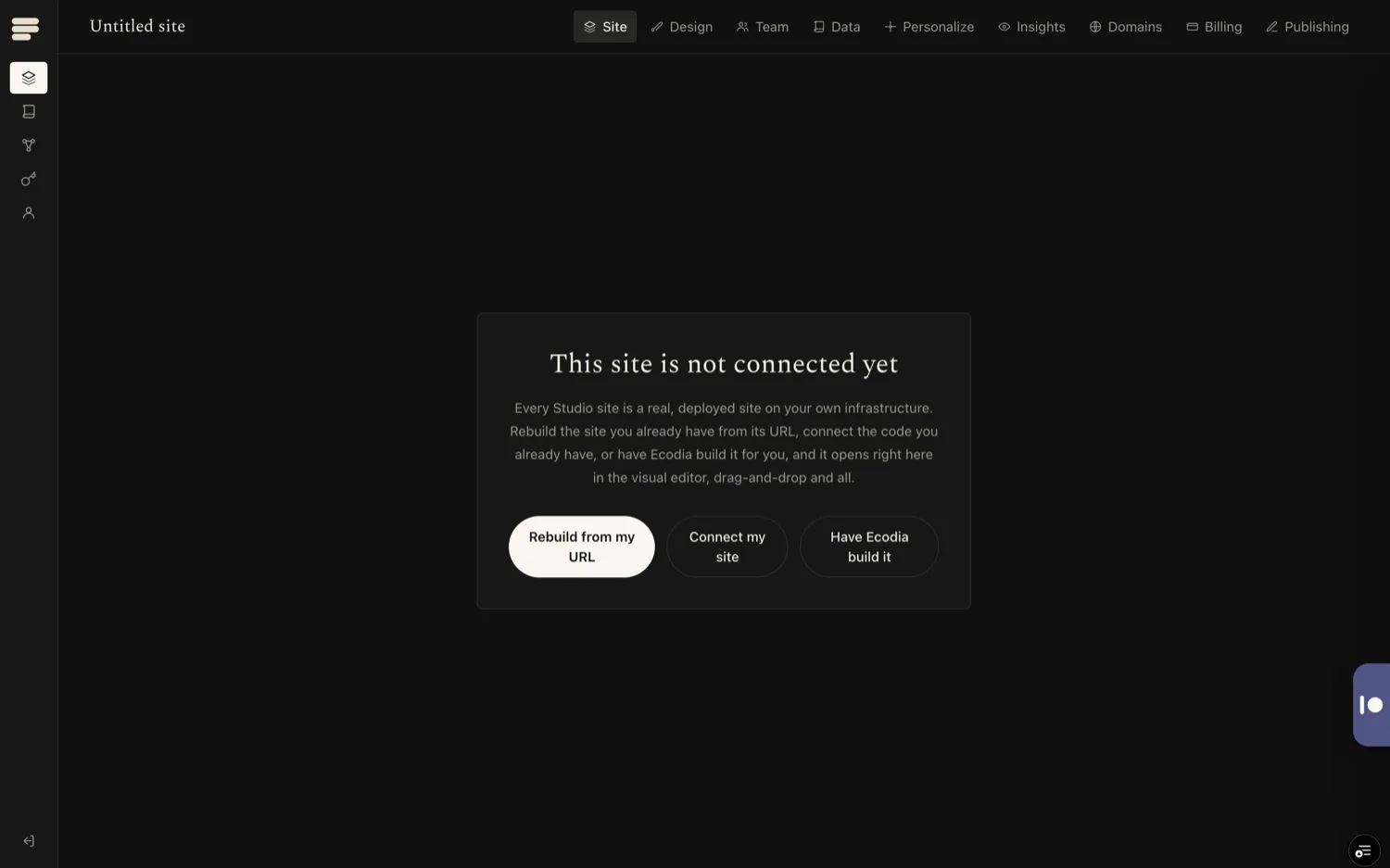
Studio is where Ecodia's site clients edit the custom sites we built them: visual editing on the real page, a blog, a newsletter, and their subscriber list, all in one place. Sign-in is one Ecodia identity shared across Studio and every other Ecodia surface, so there is no separate account to manage. The owner opens the back room, planes a headline smooth, and the public site updates.
Impact, counted
No WordPress
The point of Studio is what it removes. No plugin stack to maintain, no second login, no developer standing between an owner and their own front page. The site we build stays alive because the person who owns it can change it.
A custom site is only alive if its owner can change it.
How we worked
Studio was built so the site and the editor are the same object, not a page and a dashboard that drift apart. Editing happens against the live page, so what the owner sees is what ships. The platform carries the site; the owner carries the words.
What it adds up to
A consulting client runs their live site day to day through Studio as a standing arrangement, with no developer touch for routine edits.
Client sites we build, a rainforest education centre, a conservation foundation, a coastal marketplace, connect to Studio so the owner edits their own words.
One Ecodia sign-in spans Studio and the rest of the Ecodia surface, so there is one identity to hold, not one per tool.
An Ecodia product.
Further reading